Contact inbox
Roles: Editor, ManagerURL:
https://pirt.demo.weebpal.com/manage/comms/inbox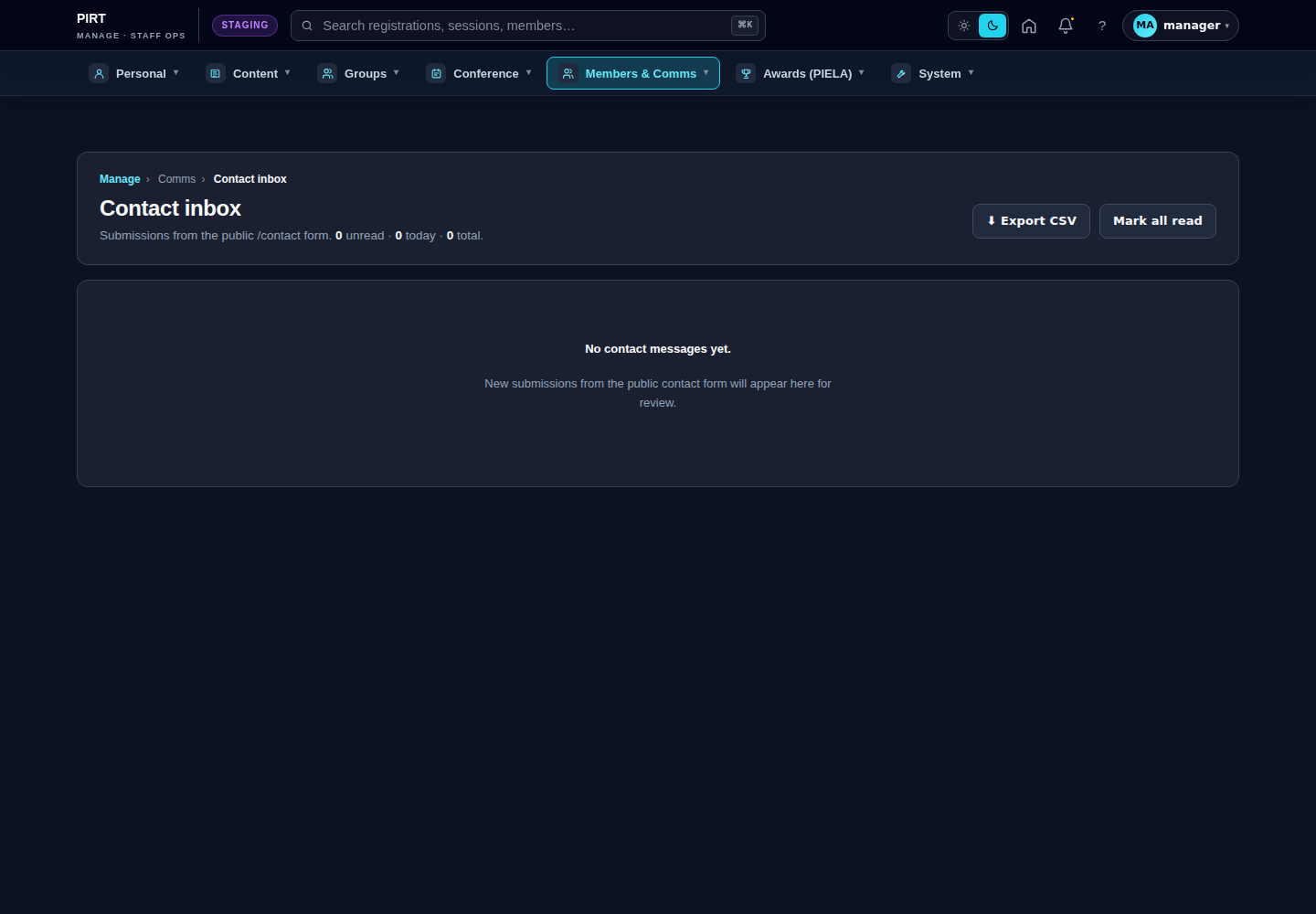
https://pirt.demo.weebpal.com/manage/comms/inbox.What's in the inbox
The inbox is a Drupal View (comms_inbox:page_inbox) over the contact_message entity bundle feedback. Every submission of the public contact form, membership application, and WG-join request shows up here.
Available actions (VBO)
| Action | What it does |
|---|---|
| Assign | Set an assignee from the staff list. Useful for handing a ticket to a teammate. |
| Mark read | Flip the read flag (used by the unread badge on the dashboard KPI). |
| Archive | Move out of the active queue; archived items stay searchable but don't show by default. |
| Export | Export the current filtered list to CSV for monthly reporting. |
Processing a single message
- Open
https://pirt.demo.weebpal.com/manage/comms/inbox→ the default view is unread items. - Click a subject to open the full message.
- Use Reply (opens your default mail client with the From/Subject pre-filled — the system does not send mail from inside the UI in the current implementation).
- Assign to a teammate if it isn't your area.
- When done → Archive.
Filtering
- Form: which form produced the message (Contact / Membership apply / WG join).
- Assignee: who owns it now.
- Read flag: read / unread.
- Date received: a date range.
What is NOT supported yet
- Canned responses / templates — replies happen in your mail client; there is no template library in the manage UI today. If you want one, file an enhancement request.
- Spam scoring / auto-routing — there is no automatic spam filter beyond Drupal's CAPTCHA / honeypot on the public form. Suspicious entries should be archived manually.
Editor vs Manager view
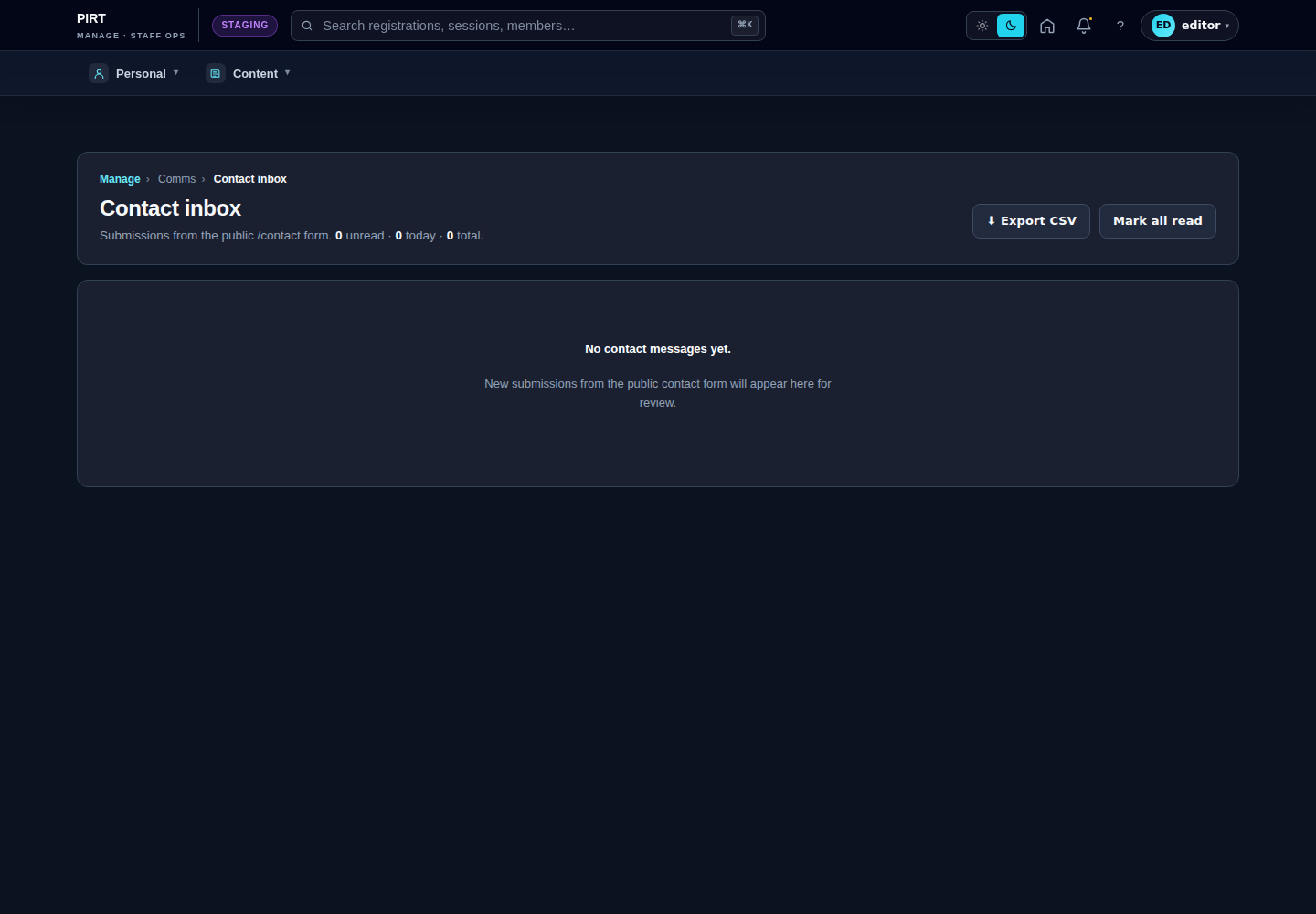
The same screen as each role sees it. Click a row to expand.
Editor
Manager