Managing Documents & Reports
Roles: Editor, ManagerURL:
https://pirt.demo.weebpal.com/manage/content/documents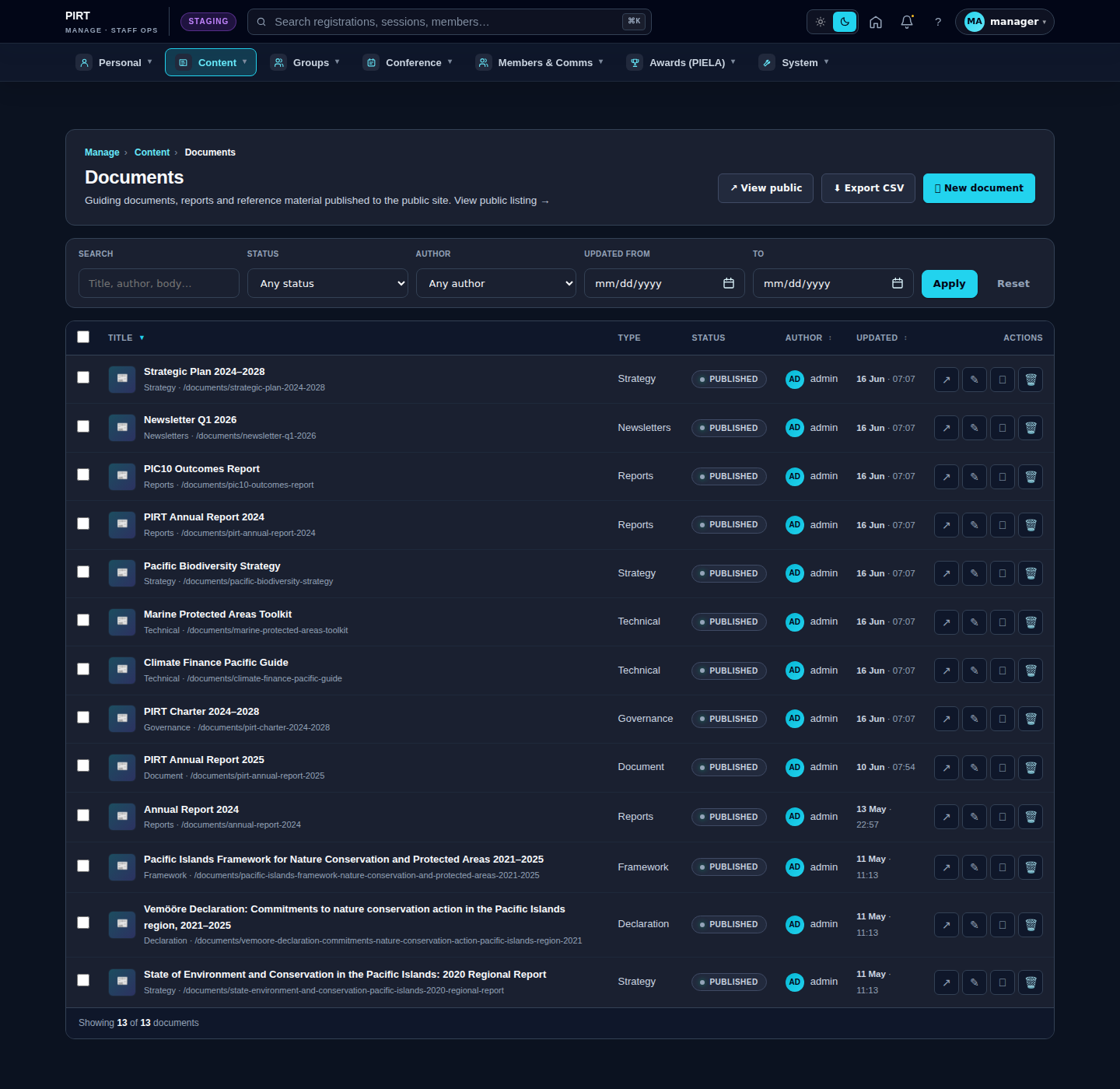
https://pirt.demo.weebpal.com/manage/content/documents.Standard workflow
A. Create
- Open
https://pirt.demo.weebpal.com/manage/content/documentsinside thehttps://pirt.demo.weebpal.com/manageworkspace. - Click the + Add new button at the top right.
- Fill in the fields (see the table below). Required fields are marked
*. - Click Save as Draft to keep it private, or Save and Publish if you have publish rights (Manager+).
- The system auto-creates a URL alias (Pathauto) and pushes the entry into the search index.
B. Edit
- From the
https://pirt.demo.weebpal.com/manage/content/documentslist, use the filters (title, status, category) to find the record. - Click the title — or the Edit action under the Operations column.
- Update the content and click Save. Every save creates a new revision that you can review or roll back from the Revisions tab.
C. Publish / Unpublish
- Editor can only move content to In review (waiting for approval).
- Manager moves content to Published or Archived to remove it from the public site.
- Every status change is written to the activity log.
D. Delete
- Click Delete under the Operations column (Manager+ only).
- Drupal keeps the revision history; hard-delete requires an Administrator.
Fields
| Field | Type | Required? | Editor's note |
|---|---|---|---|
uid (author) |
Reference (user) | Yes | |
status (published flag) |
Boolean | Yes | |
moderation_state |
List | Yes | |
title |
Text (255) | Yes | Document title (shown on the listing card). |
field_document_type |
Entity reference (taxonomy: document_type) | Yes | Required. Taxonomy: Annual Report · Framework · Strategy · Policy · Other. Drives the listing category and the Annual Reports page filter. |
field_publication_year |
Integer | Yes | Required. Integer year (e.g. 2026) — sort key for listings. |
field_file |
File (PDF, DOCX) | Yes | Required. PDF or DOCX file; one per language (the field is per-language so EN and FR can hold separate files). |
field_summary |
Long text | No | Short summary (1–2 sentences) shown on the card. |
field_thumbnail |
Image | No | Thumbnail image (optional). Used as the card preview when set. |
House style
- PDF: compress images before export; if the file is still > 25 MB, split into part 1 / part 2 (two Document entries).
- Filename: kebab-case English, e.g.
pirt-annual-report-2025.pdf. Never use spaces or accents — Drupal slugifies them but the download filename stays awkward. - Document type = Annual Report is what makes the document show up at
https://pirt.demo.weebpal.com/our-work/annual-reports. There is no separate "Show on Annual Reports" toggle — the document type is the filter.
Public view
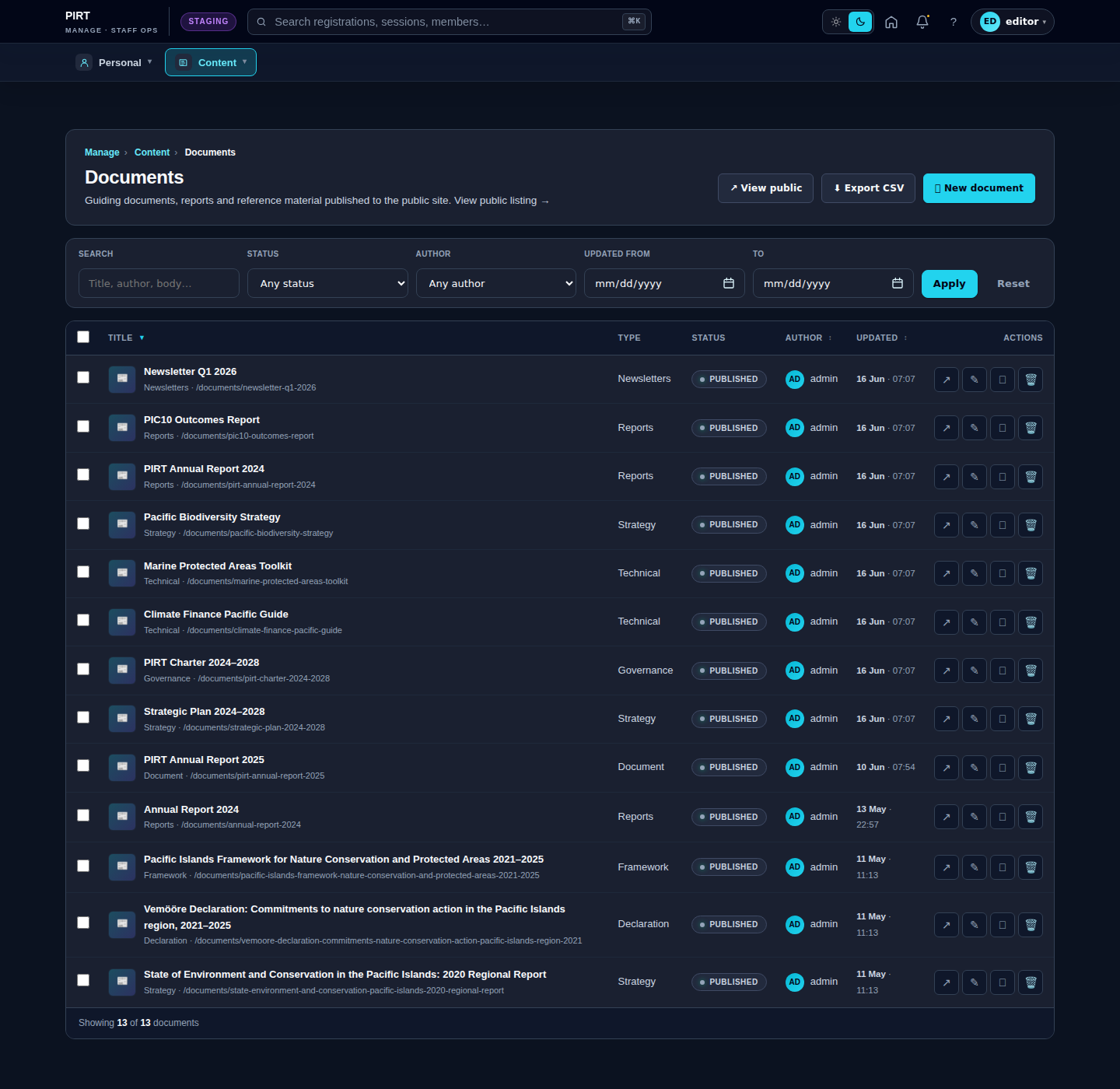
Editor vs Manager view
The same screen as each role sees it. Click a row to expand.
Editor
Manager