PIELA Awards nominations
Roles: Editor, ManagerURL:
https://pirt.demo.weebpal.com/manage/awards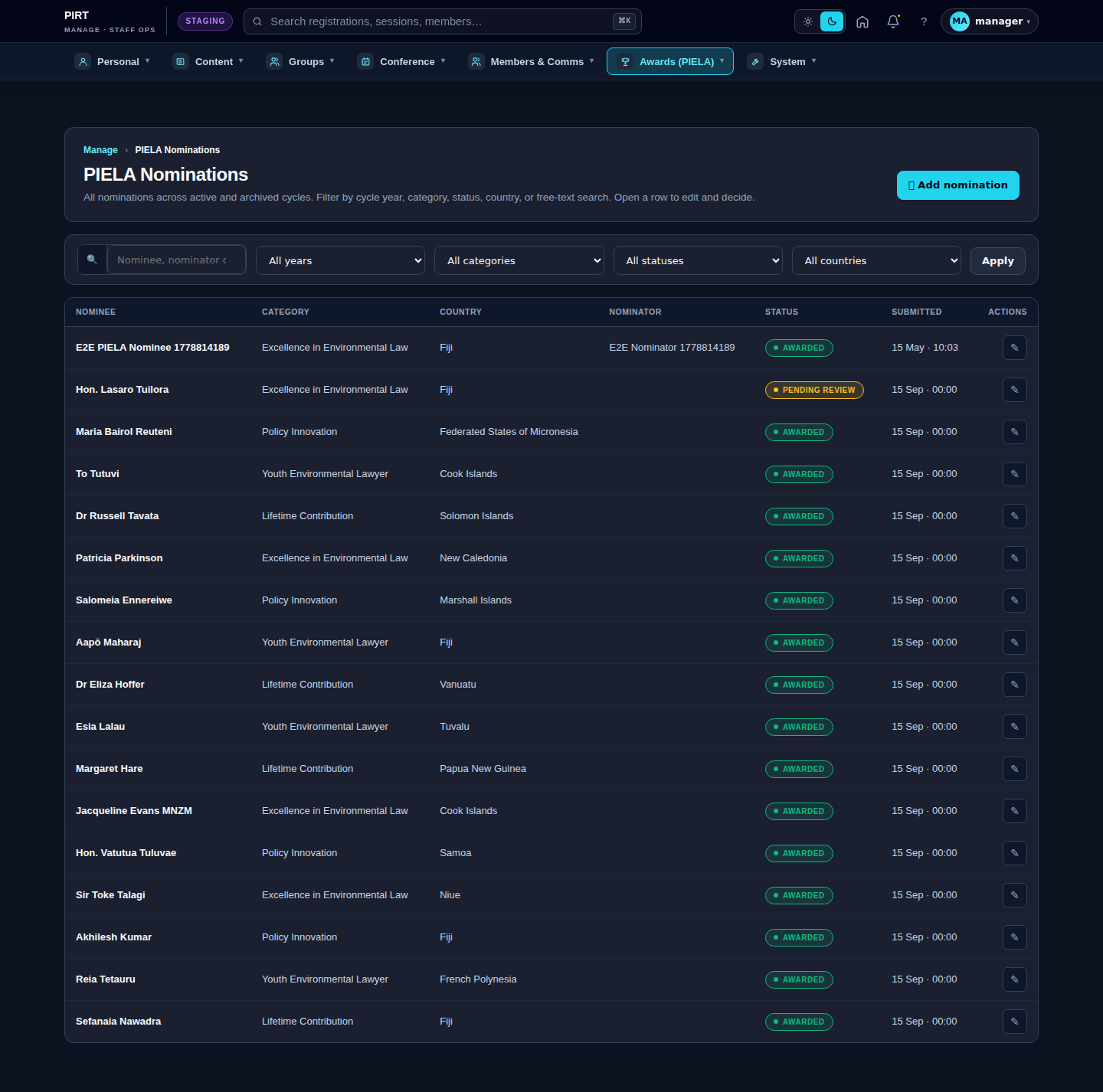
https://pirt.demo.weebpal.com/manage/awards.Roles in PIELA
- Editor sees only the nominations they are listed in via
field_assigned_reviewers. - Manager sees every nomination; controls assignment, shortlisting, and the final award decision.
Workflow — five states
pending  ─►  shortlisted  ─►  awarded
    └──►  rejected
    └──►  withdrawn   (set by the nominator before a decision)
| State | Meaning | Who can move it |
|---|---|---|
pending |
Default after public submission. Awaiting review. | Manager |
shortlisted |
Made the first cut; under final review. | Manager |
awarded |
Selected as a laureate — shown on https://pirt.demo.weebpal.com/our-work/awards/past-laureates. |
Manager |
rejected |
Not selected. Email sent. | Manager |
withdrawn |
The nominator pulled the nomination. | Nominator / Manager |
Step-by-step
- The public submits a nomination via the webform at
https://pirt.demo.weebpal.com/our-work/awards→ statepending. - Manager opens
https://pirt.demo.weebpal.com/manage/awards→ assigns reviewers per nomination (setfield_assigned_reviewers). - Reviewers open
https://pirt.demo.weebpal.com/manage/awards→ see their own nominations → review and add notes (thestatus_notefield carries the rationale). - Manager moves promising nominations from
pending→shortlisted. - Manager makes the final call:
shortlisted→awardedorrejected. awardedrecords appear automatically athttps://pirt.demo.weebpal.com/our-work/awards/past-laureates. Thestatus_noteis the public citation fallback.
Fields
Field reference: nomination.md.
Emails sent automatically
When the status moves to shortlisted, awarded, or rejected, the system queues the corresponding email to the nominator's address. There is no manual "send email" button.
Public view
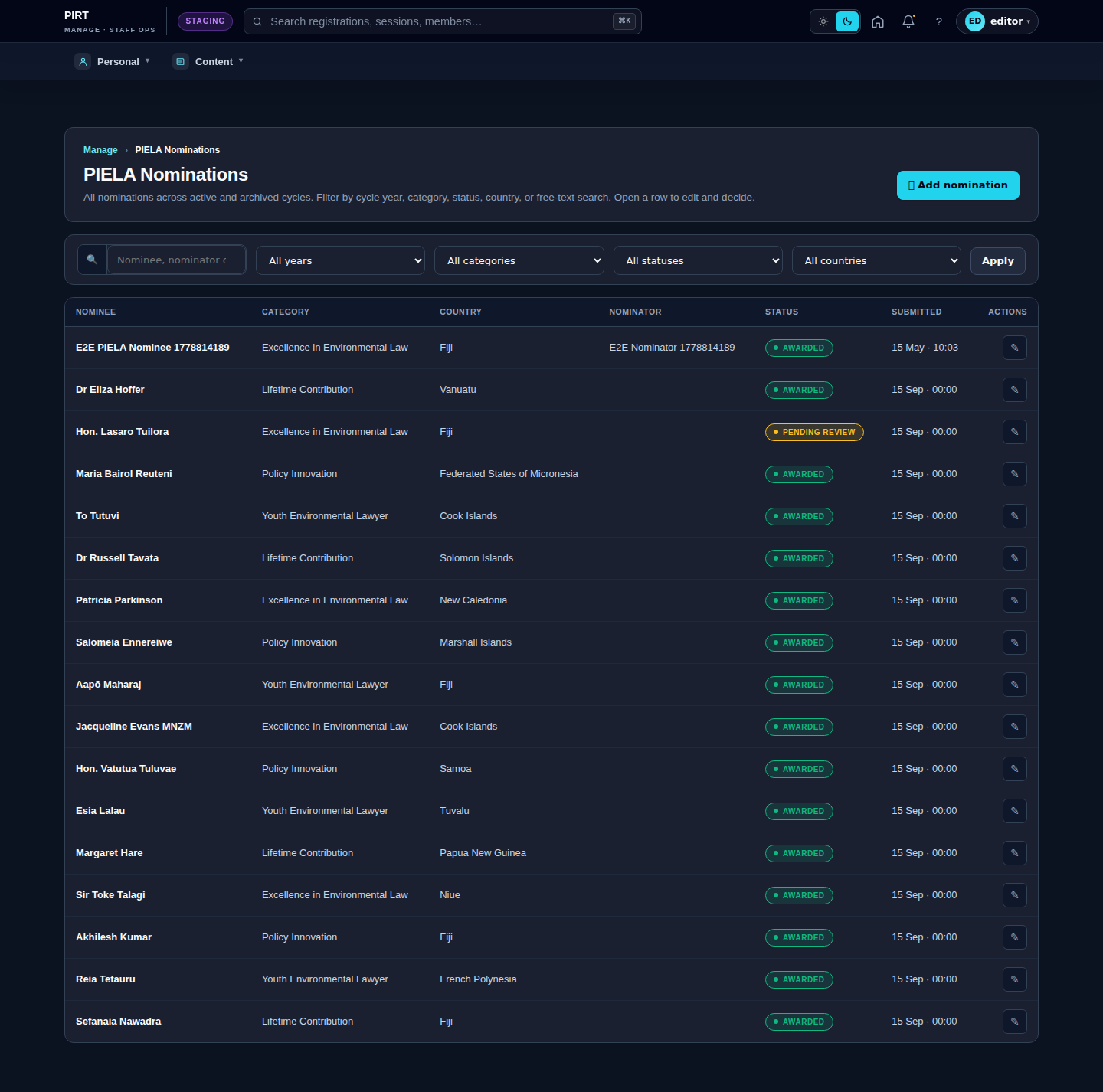
Editor vs Manager view
The same screen as each role sees it. Click a row to expand.
Editor
Manager