Managing the Media library
Roles: Editor (use), Manager (upload)URL:
https://pirt.demo.weebpal.com/manage/content/media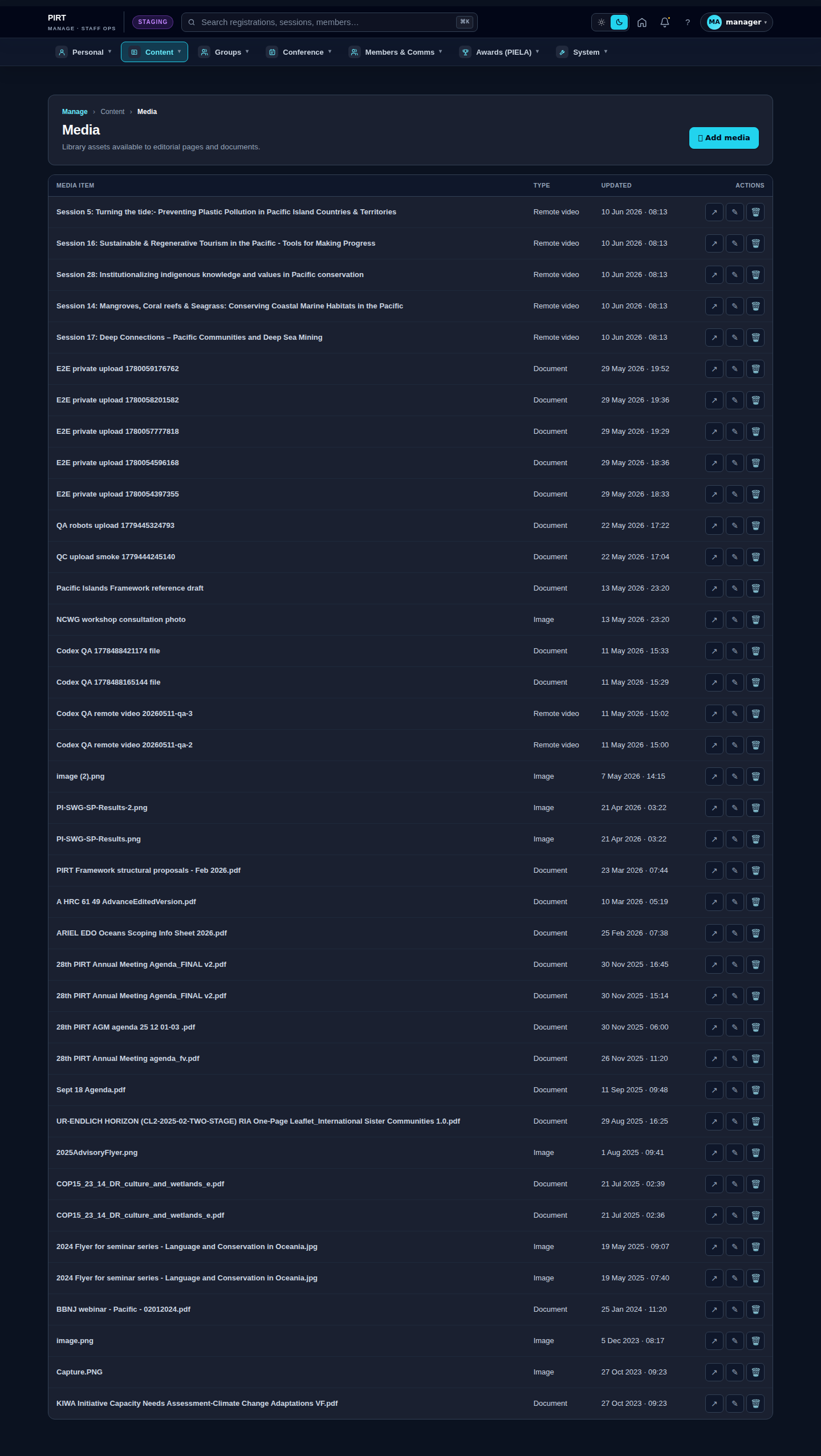
https://pirt.demo.weebpal.com/manage/content/media.What lives in the Media library
| Bundle | Used for | Editable fields |
|---|---|---|
| Image | Photos, illustrations, banners | Name · File · Alt text · Caption · Credit |
| Document | PDF / DOCX downloads | Name · File · Description |
| Video | Embedded MP4 (small) or YouTube/Vimeo (remote) | Name · Source URL or file · Caption |
| Audio | Podcast clips, recordings | Name · File · Transcript |
Adding a new media item
- Open
https://pirt.demo.weebpal.com/manage/content/media. - Click + Add media at the top right.
- Pick a bundle (Image / Document / Video / Audio).
- Upload the file (or paste the remote URL for video).
- Fill in Name (internal label), Alt text (for Image — required for accessibility), Caption (public-facing).
- Save. The new media is searchable from any content edit form's media picker.
Filtering the library
- Bundle: limit to Images / Documents / Videos / Audio.
- Uploaded by: filter to your own uploads or another user's.
- Date range: when the media was created.
- Search: matches Name and (where set) Caption.
House style
- Image dimensions: hero images ≥ 1600×900 px; thumbnails ≥ 320×320 px. Anything smaller will look blurry on retina screens.
- File names: kebab-case English, e.g.
pirt-conference-2026-hero.jpg. The system slugifies anything else, but the download filename stays awkward. - Alt text: write descriptive alt text, not "image1". Screen readers need it; SEO benefits.
- Credit: when an image came from an external photographer, set the Credit field — it renders as a small caption below the image.
Tips
- Replace a file without breaking references: open the media item → upload a new file → Save. Every page that referenced this media auto-updates.
- Delete with caution: the system warns you when you delete a media item that's still in use. Look at the usage list before confirming.
- Reuse: when adding an image to a News article, look in the Library tab first — chances are someone already uploaded it.
Editor vs Manager view
The same screen as each role sees it. Click a row to expand.
Editor
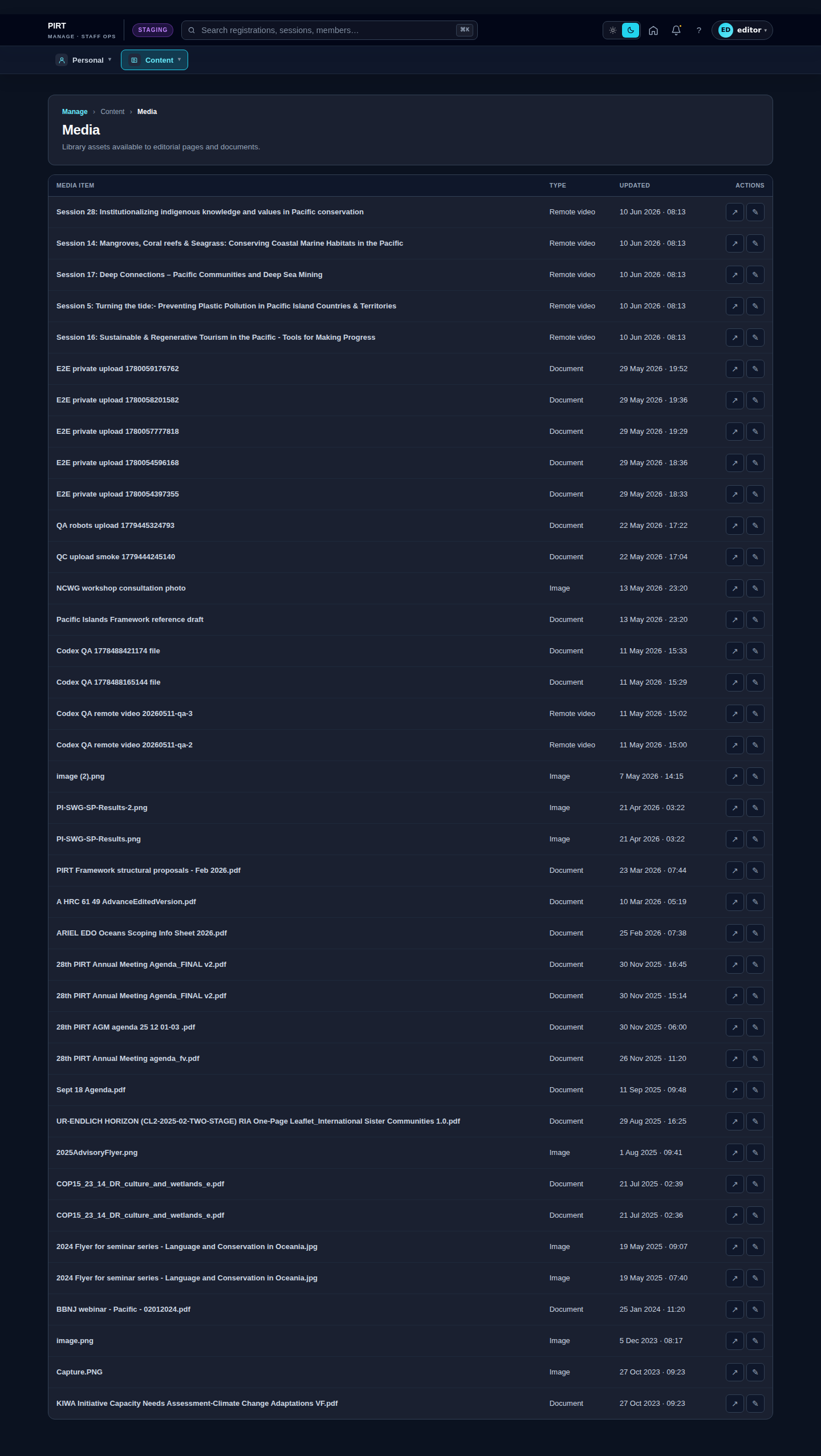
Manager