Members directory & approvals
Roles: ManagerURL:
https://pirt.demo.weebpal.com/manage/members/approvals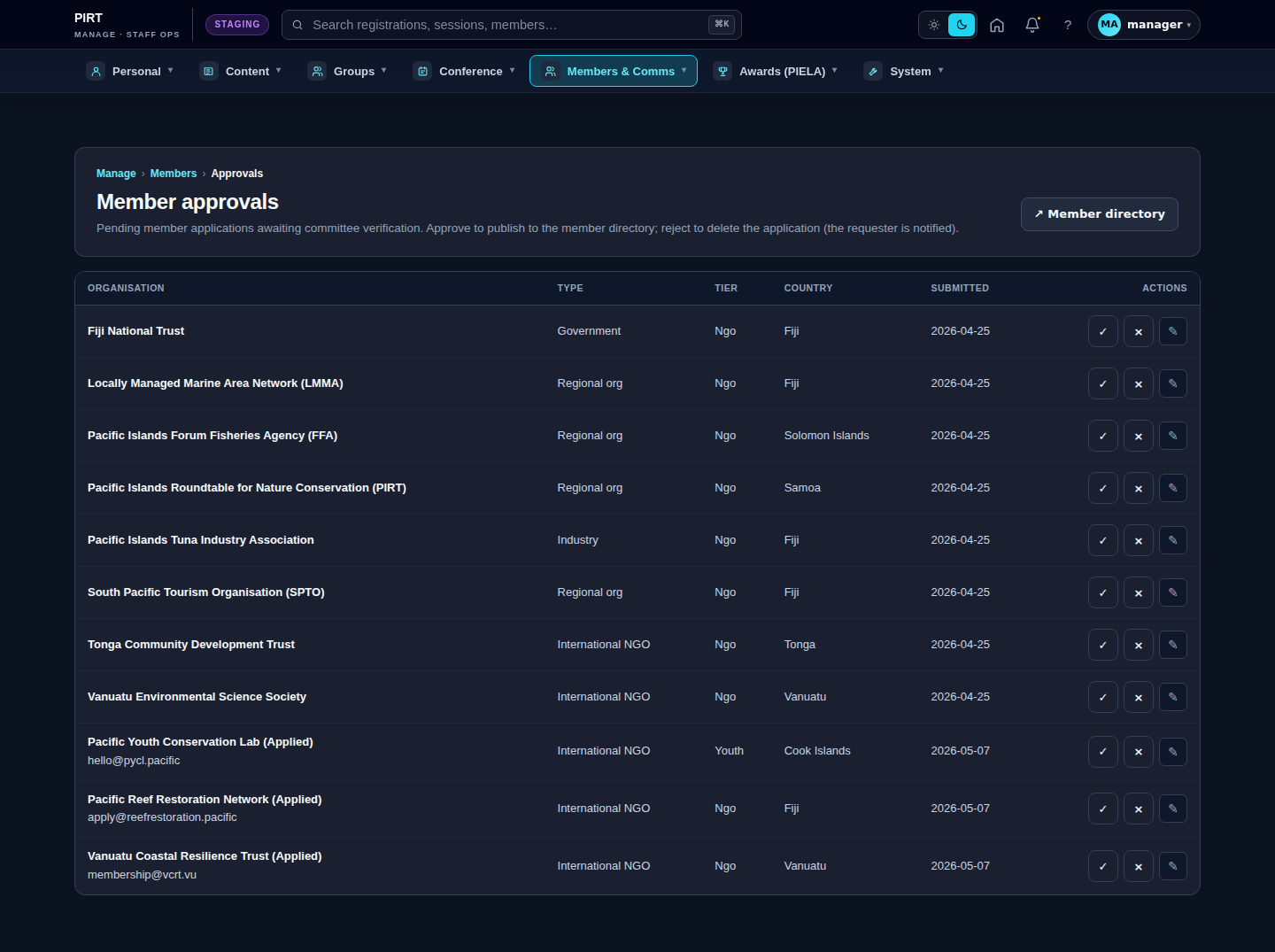
https://pirt.demo.weebpal.com/manage/members/approvals.Member directory — https://pirt.demo.weebpal.com/manage/members
- Lists every user (filter by: role, country, status, joined date).
- Click a row → view the profile: email, role, sign-up date, last login, WGs joined.
- Actions in the Operations column:
- Edit profile — change details.
- Change role — Managers can grant the Editor role; cannot grant Administrator (the role checkbox is hidden by
pirt_core_form_user_form_alter()). - Block / Unblock — temporarily disable the account.
- Send password reset — email a reset link.
https://pirt.demo.weebpal.com/manage/members/approvals.Approving new members — https://pirt.demo.weebpal.com/manage/members/approvals
If the site runs in "Approval required" mode for registration:
- A user signs up at
https://pirt.demo.weebpal.com/user/register→ status Pending. - Manager opens
https://pirt.demo.weebpal.com/manage/members/approvals→ list of pending applications. - Click Review → see the details (name, email, organisation, reason for joining).
- Approve → activates the account + sends a welcome email.
- Reject → rejection email + delete the application (or keep it for audit).
Fields on the user entity (Phase 2 target)
Field reference: user.md.
Heads-up: the user entity does not have a
field_bioor a genericfield_avatar. User avatars live infield_picture.
Auto-linking to conference registrations
When a user signs up with the same email used for a conference registration, the system auto-links them: it sets linked_user_id on the registration row and pre-populates the user's field_first_name / field_last_name / field_organisation / field_country from the registration. No manual step is needed.
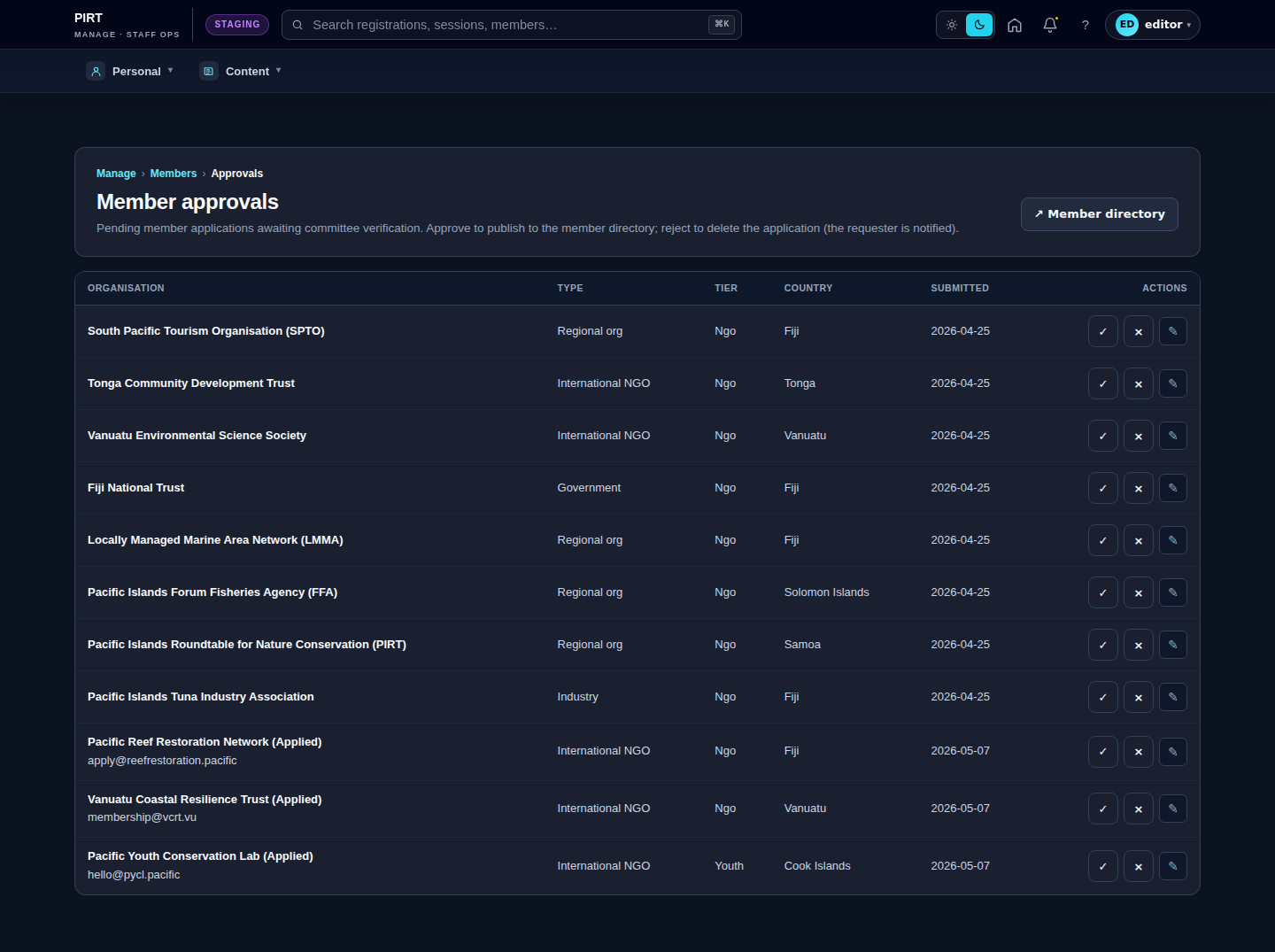
Editor vs Manager view
The same screen as each role sees it. Click a row to expand.
Editor
Manager