Managing Site sections
Roles: ManagerURL:
https://pirt.demo.weebpal.com/manage/content/site-sections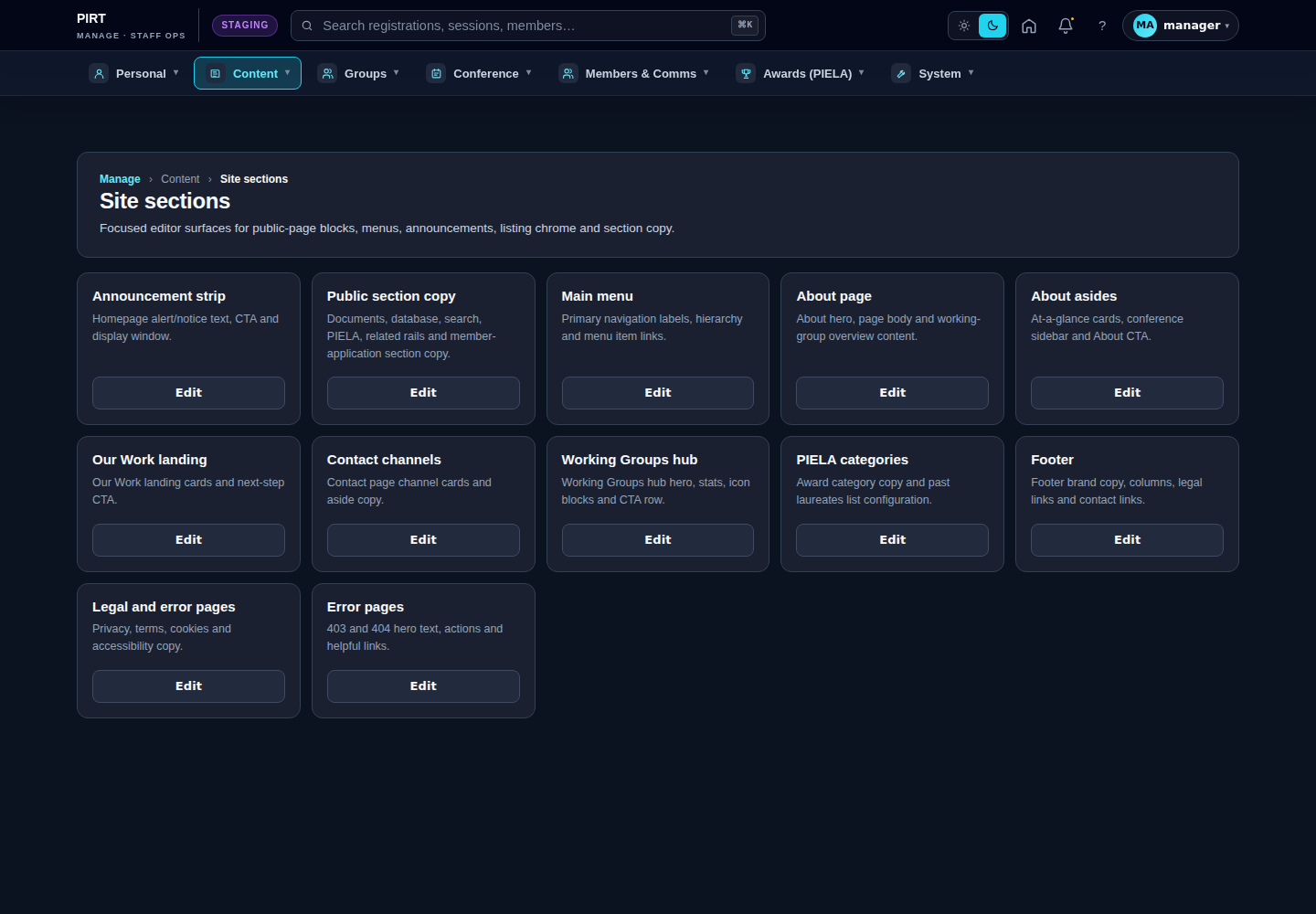
https://pirt.demo.weebpal.com/manage/content/site-sections.What's in the list
Each row is a Site section block — a block_content entity. Common bundles:
| Bundle | What it controls | Typical placement |
|---|---|---|
| Site banner | Top-of-page announcement strip | header_top region |
| Partner strip | Row of member-organisation logos | Homepage + About page |
| Footer block | Per-column footer content (Contact, Quick links, Legal) | Footer regions |
| CTA banner | Call-to-action band (e.g. "Join PIRT") | Various landing pages |
| Highlight card | Featured content card | Homepage, programme pages |
Editing a section
- Open
https://pirt.demo.weebpal.com/manage/content/site-sections. - Filter by bundle to find the right block (e.g. "Partner strip").
- Click the title to open the edit form.
- Update the content (text, image, link).
- Save. The change appears within ~1 minute on every page that uses this block.
Adding a new section
- Click + Add site section at the top right.
- Choose the bundle (Site banner, CTA banner, …).
- Fill in the fields specific to that bundle.
- Save.
- Ask IT to place the new block in the right region — block placement (which region renders it) is a structural change that lives in code config.
House style
- Site banner: keep the headline under 80 characters; the strip is one line.
- Partner strip: max 12 logos per row for desktop; the strip wraps on smaller screens.
- CTA banner: one primary action (button) — never two. Two CTAs reduce both click-through rates.
- Footer columns: 3–5 links per column; keep the labels short ("About", "Members", "Contact").
Translation
Every section bundle is translatable. Open the section → Translate tab → Add French translation. The block then renders in the visitor's chosen language.
Tips
- Test before publishing: most sections have a Preview link in the form footer. Click it to see how the block looks on the live site before saving.
- Don't delete an active section — unpublish it instead. Deletion can break templates that reference it by ID.